Finding things to read
Five ways in: what is new from your follows, what the whole network is publishing, the directory, search, and topics.
Home
Home is the catch-up screen. It opens with the date and how much you have not read, leads with one featured article, and then lists what is new from the publications you subscribe to.
Alongside it, two short lists do the discovery work: Trending is what the network is reading this week, and You might follow suggests publications based on who you already follow. They change as you do.
Latest
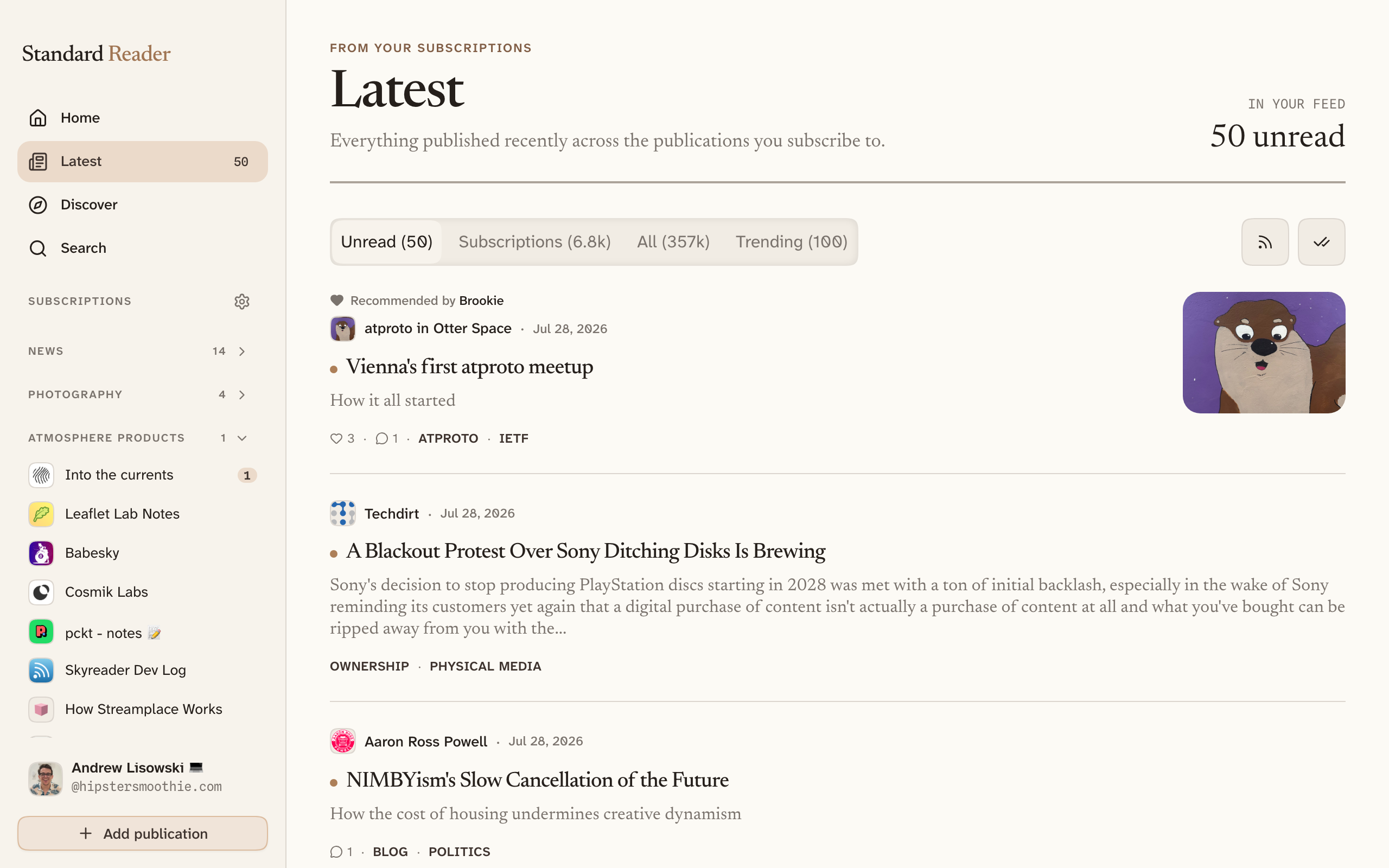
Latest is the plain chronological list — newest first, nothing reordered. Four tabs decide what goes in it:
- Unread — what is left from the publications you subscribe to.
- Subscriptions — everything you subscribe to, read or not. This is the default.
- All — the whole network as it publishes.
- Trending — the same network, ordered by what is being read rather than by time.
Each tab carries a count, and Mark all as read clears the backlog when a week gets away from you.
Discover
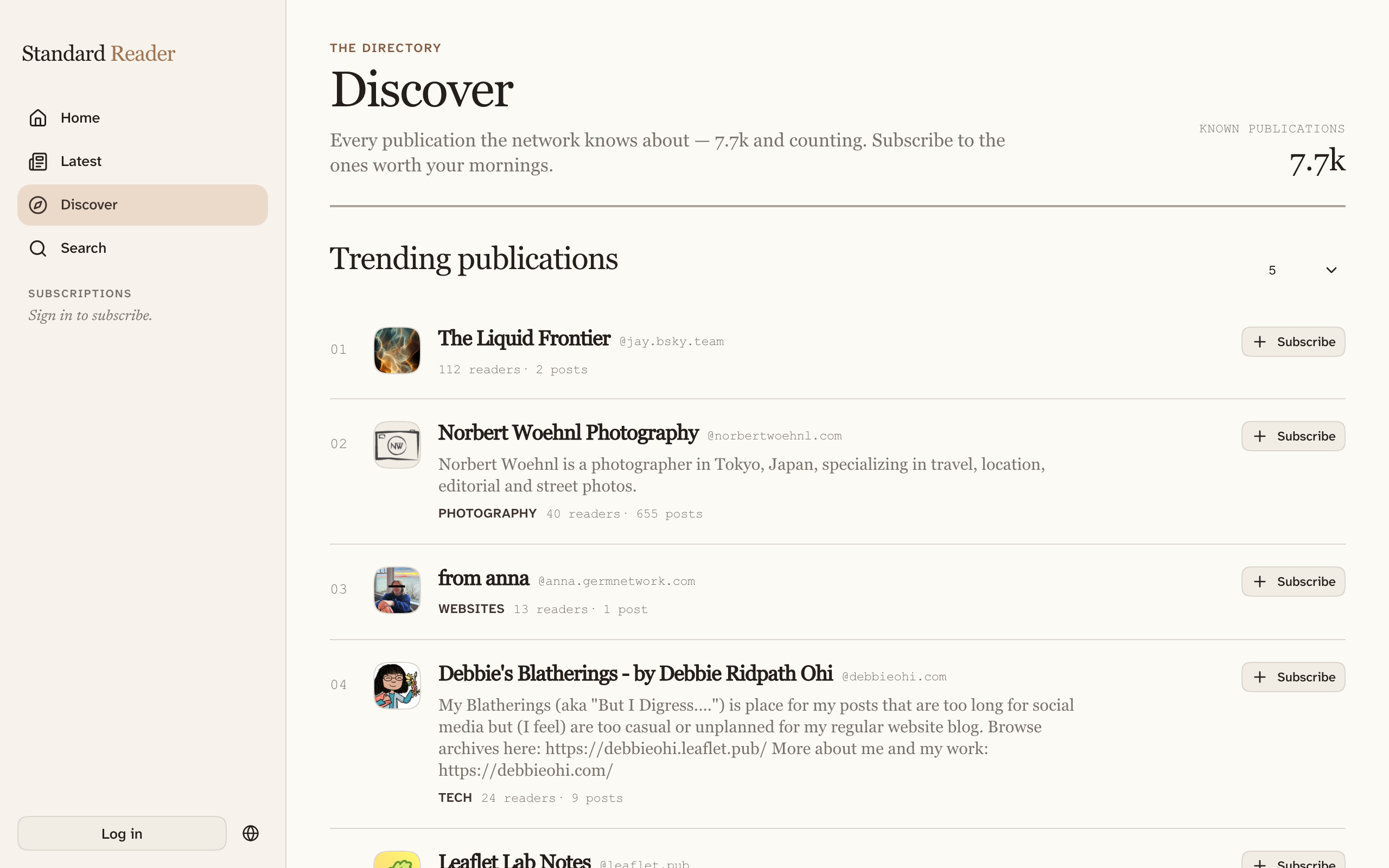
Discover is the directory of every publication the network knows about — not a curated shelf. It runs top to bottom from most personal to most complete:
- Recommended for you — tuned to what you already subscribe to.
- Followed by people you follow — what your corner of Bluesky reads.
- Trending publications — the most active this week.
- All publications — everything, filtered by topic and sorted by readers, activity, or name. Switch between a grid and a list, whichever you scan faster.
Search
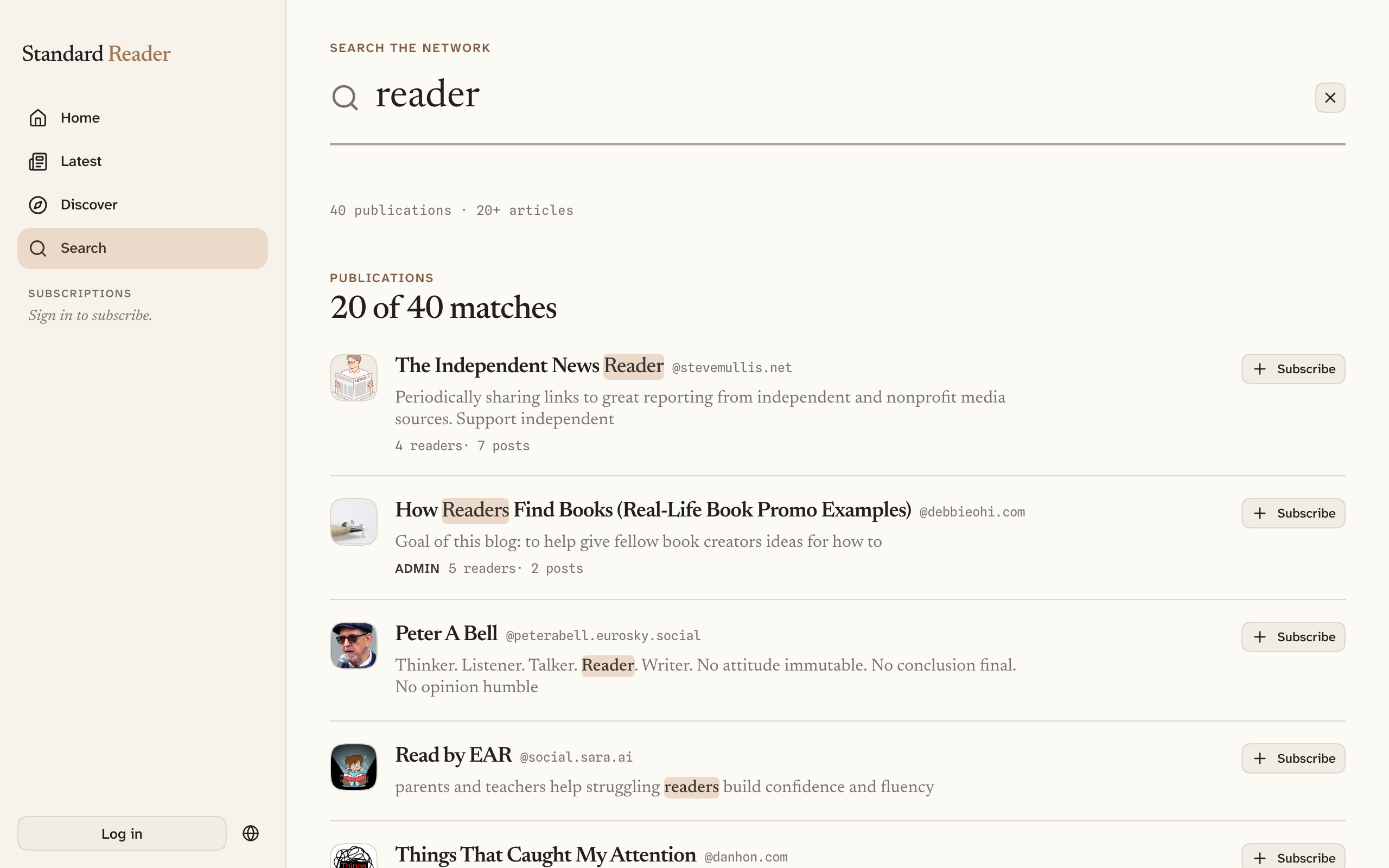
Search covers publication names, people's handles, topics, and the text of articles. Results are split into publications, people, and articles, and each result shows the passage that matched with your words highlighted, so you can tell a real match from a coincidence without opening it. Articles come back in order of how well they answer the query — a title that matches what you typed comes before an article that merely mentions those words somewhere in its body — so searching a headline you half-remember finds it.
Topics
Articles and publications carry topic tags. Select one anywhere you see it — under a headline, on a publication card, in Discover — and you get everything filed under it: an Articles tab you can sort by recent, trending, or most popular, and a Publications tab of everyone who writes about it.
This is the fastest way from “I liked this one piece” to “who else writes about this?”
People you follow
Plenty of people you already follow on Bluesky write long-form somewhere. People you follow finds them and puts their publications, and their newest articles, in one place. It is usually the highest-yield screen in the app the first week you use it.
Selecting anyone's name opens their author page: everything they publish, what they follow, and what they have recommended.
Adding a publication by name
If you already know what you are looking for, the Add publication button opens a single field that does three things at once. Leave it empty and it shows what is trending. Type a few words and it searches the directory. Paste a handle or a domain — @stdout.dev, stdout.dev — and it looks that author up directly.